“Please wait…” The message that wouldn’t go away
Interactive XFA PDF forms built with Adobe LiveCycle and AEM Forms stopped opening when browsers dropped plugins. Chrome, Edge, Firefox and Safari show “Please wait…” instead. Here is how insurers, a utility, an automaker and public agencies got stuck, the workarounds they tried, and how we brought thousands of XFA forms back to life as HTML5 in a normal browser.

Picture an employee at a large insurance company starting the day. They open a form they’ve used a thousand times, and the browser shows them this:
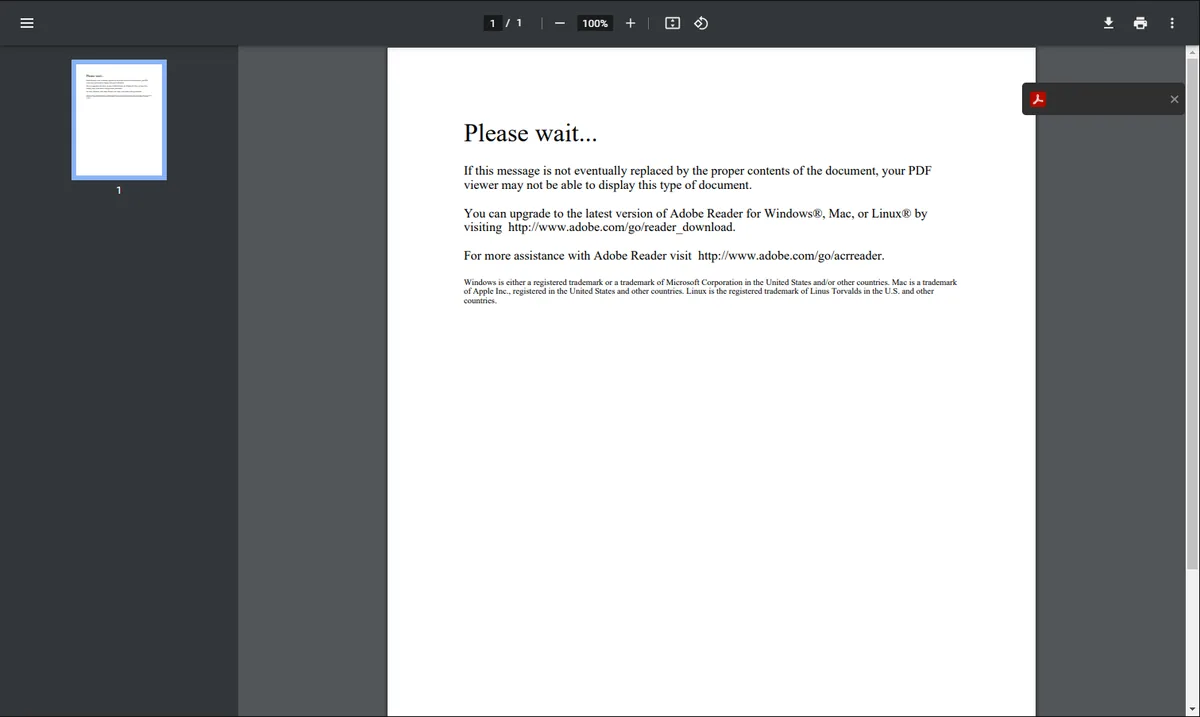
“Please wait… If this message is not eventually replaced by the proper contents of the document, your PDF viewer may not be able to display this type of document.”
It never gets replaced.
We’ve heard this story from insurers, from an energy utility, from an automaker, and from government and quasi-government agencies. They all hit the same wall in the same way.
How we got here
For years, enterprise forms ran on Adobe LiveCycle and later AEM Forms, built as XFA-based interactive PDFs. They were powerful, full of logic, and they ran the business. They also needed the Adobe Reader plugin inside the browser.
Then the browsers stopped allowing plugins. Chrome, Edge, Firefox and Safari each switched to their own built-in PDF viewer, and none of those viewers support XFA. Almost overnight, thousands of business-critical forms turned into “Please wait” screens.
The workarounds got creative
Some of the things we saw were impressive and a little painful. Teams set up virtual machines locked to one specific update so nothing could ever patch them, just to keep Internet Explorer running in compatibility mode. Employees would leave their desktop, log into the VM, open the Flex-based LiveCycle Workspace or the interactive PDF, do their work, and then go back to their real desktop.
It worked, in the same way a spare tire works. Nobody wants to drive on it for years.
Why “just convert them” doesn’t work
Some of these customers had thousands of forms. One had about 10,000. There’s no button that turns them into modern web forms.
Adobe can render XFA forms as HTML5, and that became the way forward. The catch is that these forms were written long ago, with JavaScript that doesn’t behave like modern browser JavaScript. To render cleanly, each form’s scripting had to be brought up to date, and many templates had to be refactored.
Yes, we tried AI
We put AI to work first, and it helped at the edges. XFA is a niche, old format, though, and AI doesn’t understand it well. We built tooling to fix things programmatically wherever we could, but a lot of the work was done by hand, form by form. We used a blended team of U.S.-based and nearshore engineers, and it was a long effort, not a one-week sprint.
Along the way, patterns started to show up. The same problems came back again and again, and once we had a name for each one, we could fix them quickly. Old LiveCycle-era XFA forms that had been stuck behind “Please wait” were now opening as HTML5 in a normal browser.
I suspect a few veteran Adobe engineers would wince at the idea of 10,000 XFA forms served as HTML5. It works, though.
What’s next
The next chapter is moving these forms all the way to native web forms, with AI doing more of the heavy lifting as it gets better at this kind of work. Until then, PDFs aren’t going anywhere in insurance, government and regulated industries, and they don’t need to.
Why we tell this story
At Source360 Group, we’ve now worked through more than 30,000 forms. We know where XFA breaks, why it breaks, and how to fix it at scale. If your team is still logging into a virtual machine to fill out a form, you’re not alone, and there’s a way out.
If any of this sounds familiar, we should talk.
Quick answers
Why does my PDF form say “Please wait…” in Chrome or Edge?
The form is an interactive XFA PDF, usually built with Adobe LiveCycle Designer or AEM Forms Designer. The PDF viewers built into Chrome, Edge, Firefox and Safari don’t support XFA, so they show the “Please wait…” placeholder page instead of the form. The form opens in Adobe Acrobat or Reader, but not in the browser’s own viewer.
Can XFA forms work in a browser without Adobe Reader?
Yes. AEM Forms can render XFA (XDP) form templates as HTML5 forms that run in any modern browser. Older forms often need their scripting updated and some templates refactored before they render cleanly.
Do we have to rebuild every form as a new web form?
Not always. Rendering existing XFA forms as HTML5 can bring large form libraries back into the browser without rebuilding each one. Moving to native web forms, such as Adaptive Forms, can follow over time. The right mix depends on how the forms are used and what they connect to.
- Platform
- Adobe Experience Manager
- Products
- AEM Forms, LiveCycle, XFA forms, HTML5 forms
- Technologies
- XFA, XDP, HTML5 forms, Adaptive Forms, LiveCycle Workspace
- Industries
- Insurance, public sector, utilities and automotive
- Forms worked through
- 30,000+
- Largest single library
- About 10,000 forms
- Team
- U.S. and nearshore engineers
Told by Charles Rich about insurers, an energy utility, an automaker and public agencies. Names and identifying details are left out. Have a similar situation? Talk to us.